





![Pulsar TenZ 2.0 Signature Edition [Pro Series]](http://waimers.in/cdn/shop/files/TenZ2.0_Top_v.png?v=1790280058&width=800)
![Pulsar [Pro Series] Susanto-X 2.0 Gaming Mouse](http://waimers.in/cdn/shop/files/Susanto-X_20_Panthom-Jungle_top_large_da1dc919-3823-4032-9a05-6c6ba2b3975e.webp?v=1788783197&width=800)






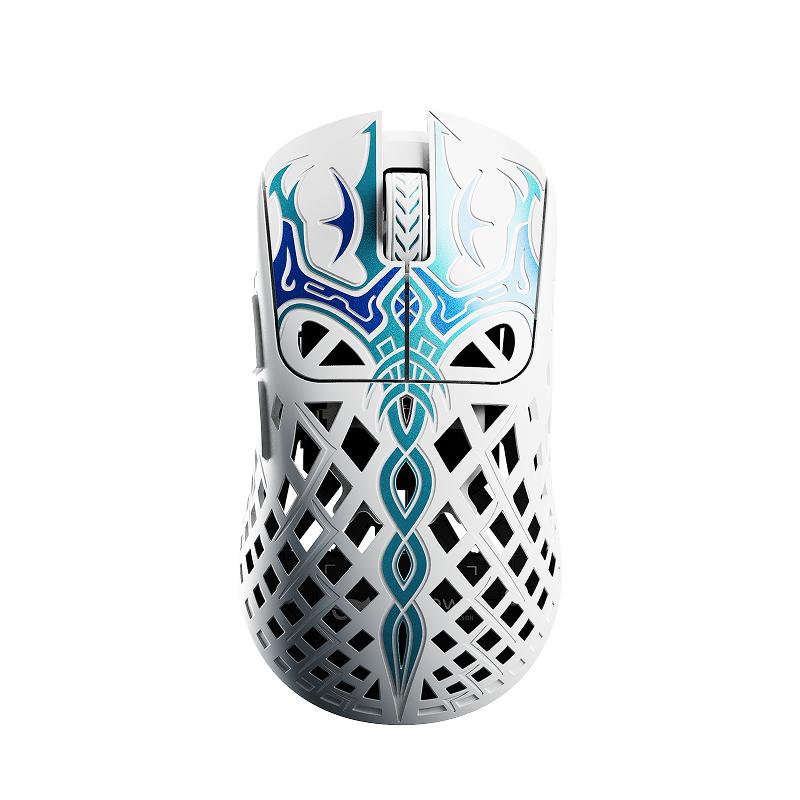
![Pulsar [Pro Series] Jinggg-X Medium Gaming Mouse](http://waimers.in/cdn/shop/files/Pulsar-jingggX_top_large_3b9147c5-4003-4c18-bc3d-8131064c2b18.webp?v=1783883297&width=800)

![Oni's Oath Glass Pad [鬼の誓い] - Limited Edition](http://waimers.in/cdn/shop/files/image_bb601c8e-0651-4702-b96f-abd41acfdbd3.png?v=1756477743&width=800)
![Jinsoku Edgeless Speed Mousepad - [迅速]](http://waimers.in/cdn/shop/files/JinsokuEdgeless-L-MidnightPurple.jpg?v=1768143245&width=800)
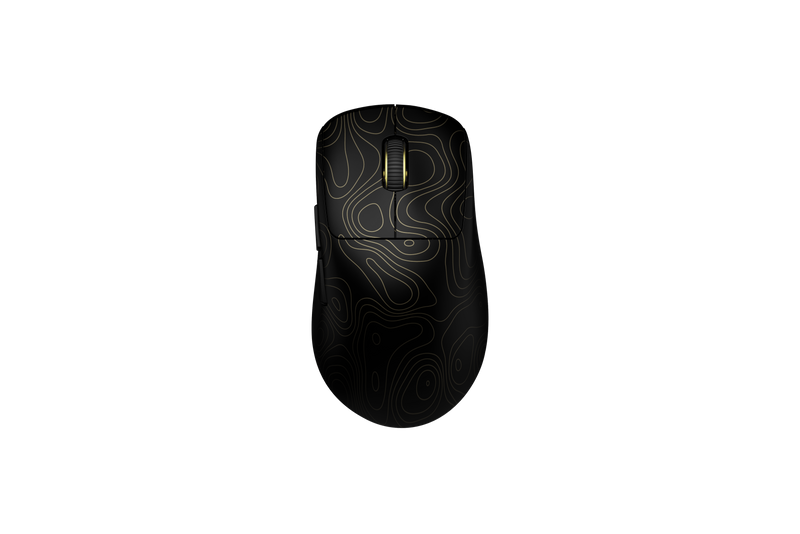
![Wraith Ace Series [Ravenfall] Limited Edition Poron Mousepad](http://waimers.in/cdn/shop/files/48x48_siralama_99aaa6eb-5f9d-406f-a019-92dbcd7025b4.webp?v=1787263809&width=800)




Mouse Notes 02
The Shell
Introduction
- Shell = the outer body of the mouse.
- It decides shape, size, hump, material, coating + most of how the mouse feels in your hand.
- Story: best running shoes in the world, but 1 size too small? You won't run faster, you'll just hurt. Mouse shell = the shoe.
1. Shape: Symmetrical vs Ergonomic
-
Symmetrical: same on both sides. A 'safe' shape that fits most grips.
e.g. Logitech G Pro X Superlight, Razer Viper V3 Pro, Pulsar X2, Lamzu Atlantis, G-Wolves HTS, Hitscan Hyperlight, Finalmouse UltralightX.
~ like: a cricket bat - anyone can hold it.
-
Ergonomic: shaped for your right hand. Super comfy IF it fits you.
e.g. Zowie EC series, Razer DeathAdder V3 Pro, Logitech G502 X, Pulsar Xlite, Lamzu Thorn.
~ like: a custom-molded chair.
2. Hump Position (highest point)
-
Back hump: fills your palm -> good for palm grip.
e.g. Zowie EC series is a classic palm-friendly shape.
- Claw grip: base of the palm touches the BACK of the mouse, so a rear hump can suit claw too.
-
Fingertip grip: palm barely touches -> low + flat shapes, hump matters least.
(rough guide - see Notes 09: Grip Styles)
3. Size
- Length: front to back. The MOST important number.
- Width: side to side, mainly where your fingers grip.
- Height: how tall the hump is.
~ like: T-shirt sizes - same design, but S / M / L fit different bodies.
e.g. Zowie sells EC in sizes. Pulsar X2 has a Mini. Lamzu Atlantis has a Mini. Logitech Superlight = one size only.
Measure your hand:
- length = wrist crease -> tip of middle finger
- width = across the palm (no thumb)
- note it down: "my hand is __ cm" - check it against the brand's size chart before you buy.
4. Weight (NOT only the shell!)
Weight = total of ALL parts added together. Biggest ones:
- shell (thick walls = heavier)
- battery (bigger = more hours, more grams)
- PCB + switches
- cable, skates, small parts
~ like: a school bag - bag = shell, battery = heavy lunchbox.
<50g ultralight 50-70g light 70-90g medium 90g+ heavy
Examples (approx.):
- ultralight: Finalmouse UltralightX
- light: Razer Viper V3 Pro (~54g), Logitech Superlight 2 (~60g)
- heavy: Logitech G502 X (100g+), Razer Basilisk V3 Pro (112g)
(always check the brand's spec page before saying exact grams)
5. Materials (the car body story)
-
ABS plastic: everyday car. Cheap, light, most common. Can go shiny over time.
e.g. most mainstream mice from Logitech, Razer and budget brands.
- PBT plastic: premium sedan. Harder, more durable, resists shine.
-
Magnesium alloy: sports car. Very light + strong, but pricey, can feel cold/slippery.
e.g. Finalmouse Starlight made it famous. Budget brands like Attack Shark now sell magnesium mice too.
-
Carbon fiber: supercar. Lightest + most expensive, still rare.
e.g. Finalmouse UltralightX (carbon fiber composite shell).
6. Coating (the extra layer)
~ like: a screen protector - phone is the same, but it changes the feel and wears out first.
-
Matte / chalky: dry, stone-like feel. Most common, good grip.
e.g. Logitech Superlight, Endgame Gear (chalky).
-
Soft-touch / rubbery: grippy + comfy, but can turn STICKY after a few years.
e.g. old Razer DeathAdder Black Edition had rubberized sides.
-
Grip tape: stick-on rubber for extra grip.
e.g. Razer includes grip tape with the Viper V3 Pro + DeathAdder V3 Pro.
-
Glossy: shiny + smooth. Looks premium, slips with sweat.
e.g. Zowie glossy Divina versions.
- No coating: raw plastic, often a light grainy texture from the mold.
Sweaty palms in Indian summers? Coating matters a LOT.
How coating wears out:
- shine spots where fingers + palm rest
- stickiness (rubbery coatings break down with sweat + heat)
- peeling - starts at edges, button tips, side grips
- discoloration on white mice
- alcohol cleaners can strip matte coating -> use microfiber + a little distilled water
How to check if a mouse is coated:
- look at hidden spots: under skates, screw holes, the seam
- compare feel: coated = uniform, raw = slightly grainy
- worn spot feels different? -> a layer came off
- check the brand's spec page
7. Build Quality (plastic chair test)
~ like: a cheap plastic chair creaks when you sit. A bad shell does the same.
- squeeze the sides -> any creak or flex?
- press the middle of the shell
- shake it near your ear -> loose side buttons rattle?
8. Where does Grip fit?
Grip belongs to the PLAYER, not the shell. But grip decides which shape + size feels right.
~ like: grip = how you walk, shell = the shoe.
palm / claw / fingertip -> coming in the grip notes.